







Samsung CEO Challenges iPhone X with First Fold Screen Smartphone, Samsung Galaxy X
The launch of iPhone X last night became a hot and trending conversational material in various social media. Having a bezel-less and anti-mainstream design over the previous iPhone series, the iPhone X is being turned into a futuristic device from the future.
Apparently, Samsung CEO did not stay silent in the face of the hype iPhone X. Ahead of the launch, South Korean technology company officials issued a surprising statement. Reportedly Samsung's first folding screen smartphone will be released at the beginning of next year.
Samsung Galaxy X, First Folding Smartphone Ready to Challenge iPhone X
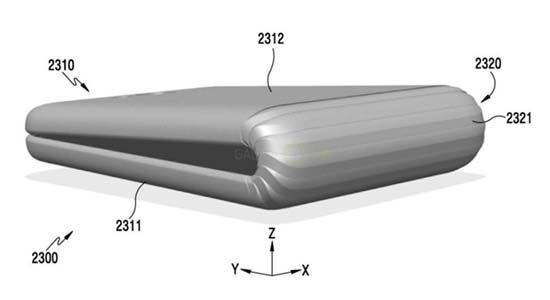
Reporting from GSM Arena , Samsung CEO, DJ Koh revealed a statement that is quite surprising in an event held in Seoul, South Korea. Having a flagship Galaxy S8 and Galaxy Note 8 , Samsung is planning to launch the first Galaxy series with the screen can be folded.
Rumor Samsung Galaxy X as the first smartphone with folding screen has been circulating since the beginning of 2017 ago. But DJ Koh has not given a good signal yet, whether the X series will be a new Galaxy line or join Samsung's second flagship series today. Reportedly also this smartphone will be introduced in early 2018 .
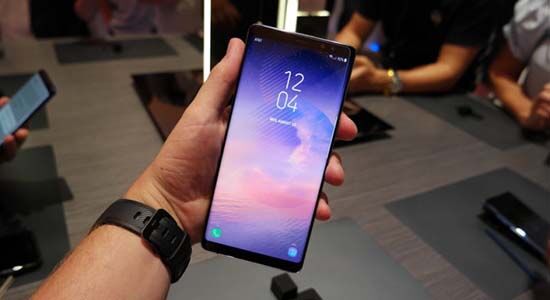
But on another occasion, DJ Koh also expressed his appreciation of the users of the Galaxy smartphone series . Samsung Galaxy Note 8 reportedly has been booked up to 650 thousand units since five days after launch. Samsung also targets ordering up to 800 thousand units until Friday (15/9) future.
With more orders in 40 world smartphone market, of course the Galaxy Note 8 sales can be considered quite fantastic. But whether Samsung Galaxy X can beat the futuristic impression of the iPhone X? Let's wait for answers to this Samsung challenge.
Samsung CEO Challenges iPhone X with First Fold Screen Smartphone, Samsung Galaxy X
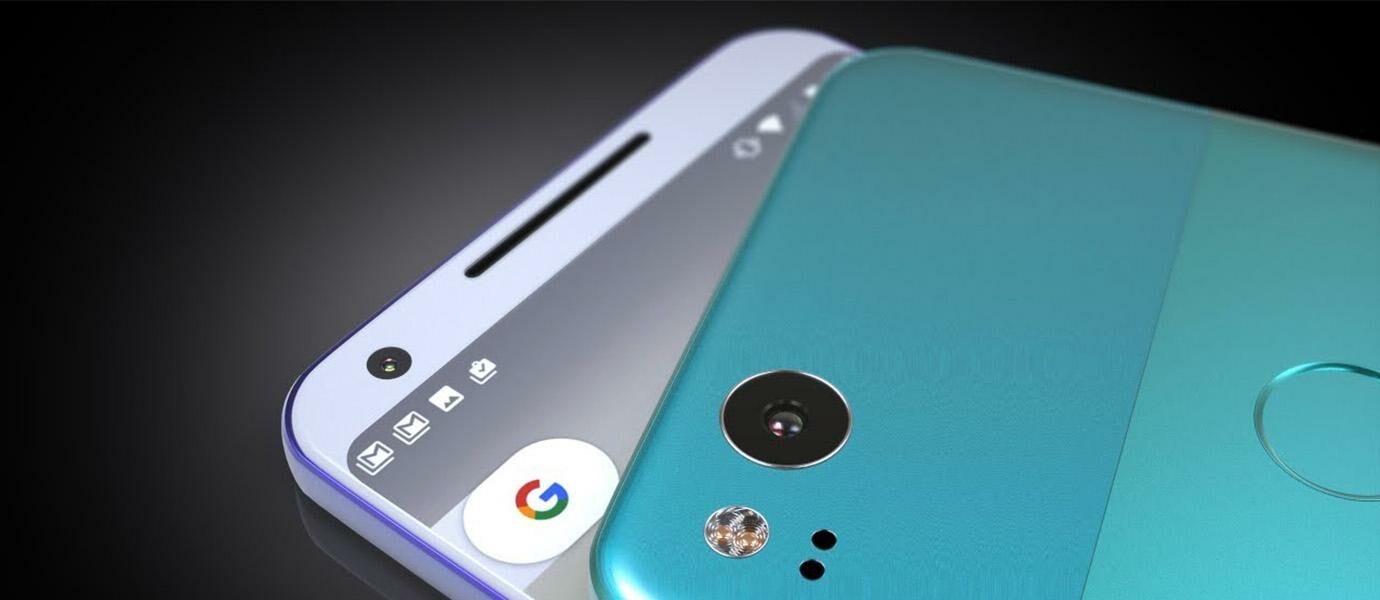
Google seems to be doing a great innovation ahead of major innovations towards the end of 2017. Google has also released the latest operating system Android 8.0 Oreo and work with Xiaomi in realizing the flagship of Android One, Xiaomi Mi A1 .
Not to forget, Google was also preparing a flagship smartphone successor , Google Pixel 2 and Google Pixel 2 XL is scheduled to release on 5 October. But wait, the latest news Pixel 2 is not going to be armed Snapdragon 836 loh. Why?
Google Pixel 2 Will Not Be Armed with Qualcomm Snapdragon 836 Processor
Launched from the Android Police page , according to reliable sources from the Qualcomm side there will be no updates for Snapdragon 836 until the end of this year, even in early 2018. This report has also been a hot topic in the XDA Developers forum .
Previously, news of Google Pixel 2 and Pixel 2 XL smartphone using Qualcomm Snapdragon 836 processor sticking up on Evan Blass Twitter account ( @evleaks ). On his account he leaked the processor on Google's latest flagship along with the release date. But in fact Google Pixel 2 will still use Snapdragon 835 processor.
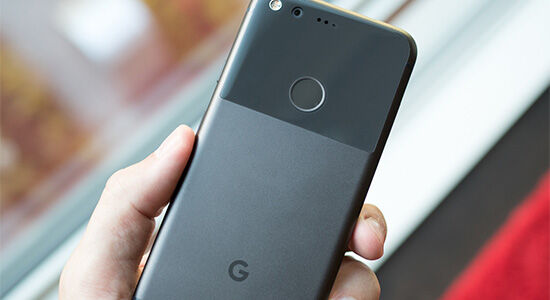
However, as is known Snapdragon 835 is the most upscale processor of the most solid and has not had significant constraints to date. This is certainly inversely proportional to the series Snapdragon 800 and 820 which has increased in the series Snapdragon 801 and 821, especially on the problem of overheating .
Qualcomm Snapdragon 835 has been used on many flagship such as, Nokia 8 and Samsung Galaxy Note 8 . Well, so there will be no Snapdragon. But if Snapdragon 845 processor is said to be prepared for Samsung Galaxy S9 would there not ya?
Hoax! Google Pixel 2 Will Not Be Armed Snapdragon 836
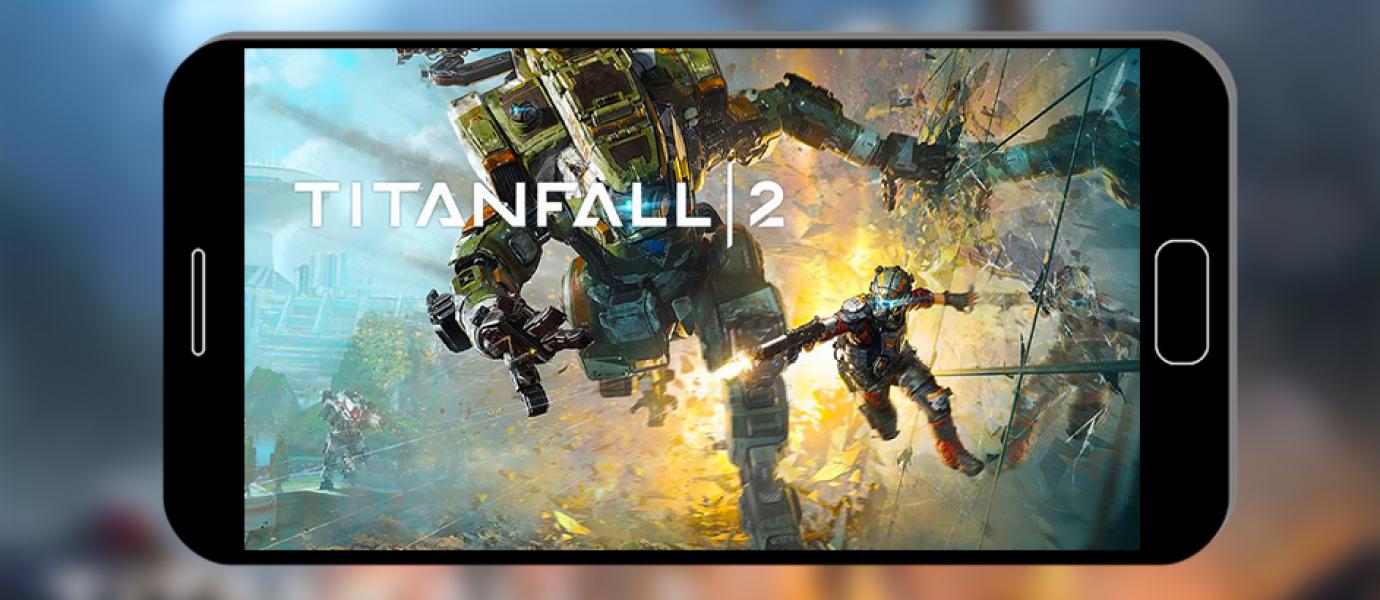
Play the game is very exciting. But not so cool if in case you lose continue. who are here
friends who often lose games?
If you want to win, there are ways. Namely by wearing a
cheat name. Do not know how? Let's see, here's how to cheat in all offline
android games . As follows...
How To Cheat In All
Offline Android Games

Cheat that will Jaka love to know this, can make you
change all paid feature so free. Plus, how to use this cheat is very easy. Jaka
sure deh, surely you can do it. Here are the steps ...
Steps How To Cheat In
All Offline Android Games
Step 1
Download and install the first android app called
"Lucky Patcher" , you can download through the following link:
Download: Lucky Patcher latest version
Step 2
Open the app you just installed, then choose the game you
want to cheat. At number 1, select and hold on the game. At number 2, continue
by selecting "Support Patch for InApp and LVL Emulation" . At number
3, make sure to tick "Support Patch for LVL Emulation" and "Support
Patch for InApp Emulation" . At number 4, select "Apply" . Wait
for the process to finish.

Step 3
If the process is finished, open the game you have
cheated. Do purchase diamond or crystal or gold and others as usual, then the
payment will automatically be successful. Done, you just cheated an offline
android game.

The final word
This way you can be the richest, the strongest and most
importantly, auto win. Good luck yes!
Auto Win! How To Cheat In All Offline Android Games

Games with the genre of fighting like Tekken or Street Fighter is very exciting. No wonder the fans are always waiting every time for the latest series.
Speaking of game fighting, there is a new fighting game that makes the internet scene, friends. The reason, this game turns to fight the God one with another God. Wow, let’s check it out!
Is It The Most Controversial Game Steam of All Time?
The game is titled Fighting of Gods. Inside the game offers God a famous religion like Jesus or Buddha. But based on Jaka's monitoring, there is no Islamic character in this game. Because of this, the Malaysian government was forced to block Steam.
Although the game Fighting of Gods is controversial, but this game won the Indie Prize Finalist Casual Connect Asia 2017 loh. If you are interested in playing this game, the price is very affordable at Rp 50 thousands only. You can buy through the following link:
Buy: Game Fighting of Gods
The Last
Jaz was confused as well. Anyway there are the developers, God really pitted. How do you think, do you think this game will become the most controversy of all time?
Fight of God, Steam Game Most Controversy of All Time?

In today's age, computer use seems to be a necessity. Not just for work, but playing also currently using the computer.
Computers are useful, but not useful if exposed to a disease called blue screen. If you have this, generally the computer will like to restart and can not be used. For that, consider how to overcome the following blue screen!
1. Common Things Cause Blue Screen On Computer

Before getting into how to overcome the blue screen, you must know in advance what causes blue screen. Because by knowing what the cause or source, it would be easier to handle it.
The cause of blue screen is quite a lot. Could be due to Windows error, famous virus, hardware failure and others. To avoid confusion in the diagnosis of blue screen problems, follow these steps ...
1.a. Steps Check Blue Screen Cause On Computer
Step 1
First download the software called "BlueScreenView" , you can download through the following link:
Download: BlueScreenView latest version
Step 2

If it is downloaded, immediately open the software without install. At number 1, select the latest "Dump Files" . At number 2, read the cause of the blue screen on the computer. Done, now you know the problem.
2. How To Overcome The Blue Screen In The Easy Computer
how-to-over-blue-screen-3ok

Once you know the cause of the blue screen, you can consult an IT expert by showing a screenshot of the BlueScreenView software . Also include the chronology, so IT experts will be easier to provide solutions.
But if you want to own business first, here are some you can try ...
Method 1: Perform Full Scan With Antivirus
If the cause of blue screen associated with the file system, can also cause the virus. Therefore the first way you can try, that is with full scan using antivirus.
Method 2: Perform System Restore
Still if the cause of blue screen associated with the file system, it could be because you install a software or driver but the result crashes. For that second way that you can try, that is by doing system restore.
Method 3: Reset Windows
If the two ways before this did not help, you can also try to reset or reinstall Windows. Generally in this way, software related blue screen issues can be resolved.
Method 4: Performing a Hardware Check
If the results of the analysis say the driver-related causes, then with reset or reinstall Windows does not help, most likely blue screen occurs because there is a hardware problem. How to overcome this blue screen, ie with service or maintenance.
The Last
How to overcome the blue screen was not bothered really? The point is you have to know the cause first, do not hesitate to consult the cause to the IT experts. Good luck ya!

